 Bohr
Industry
From CAD to a running app, checked at every step.
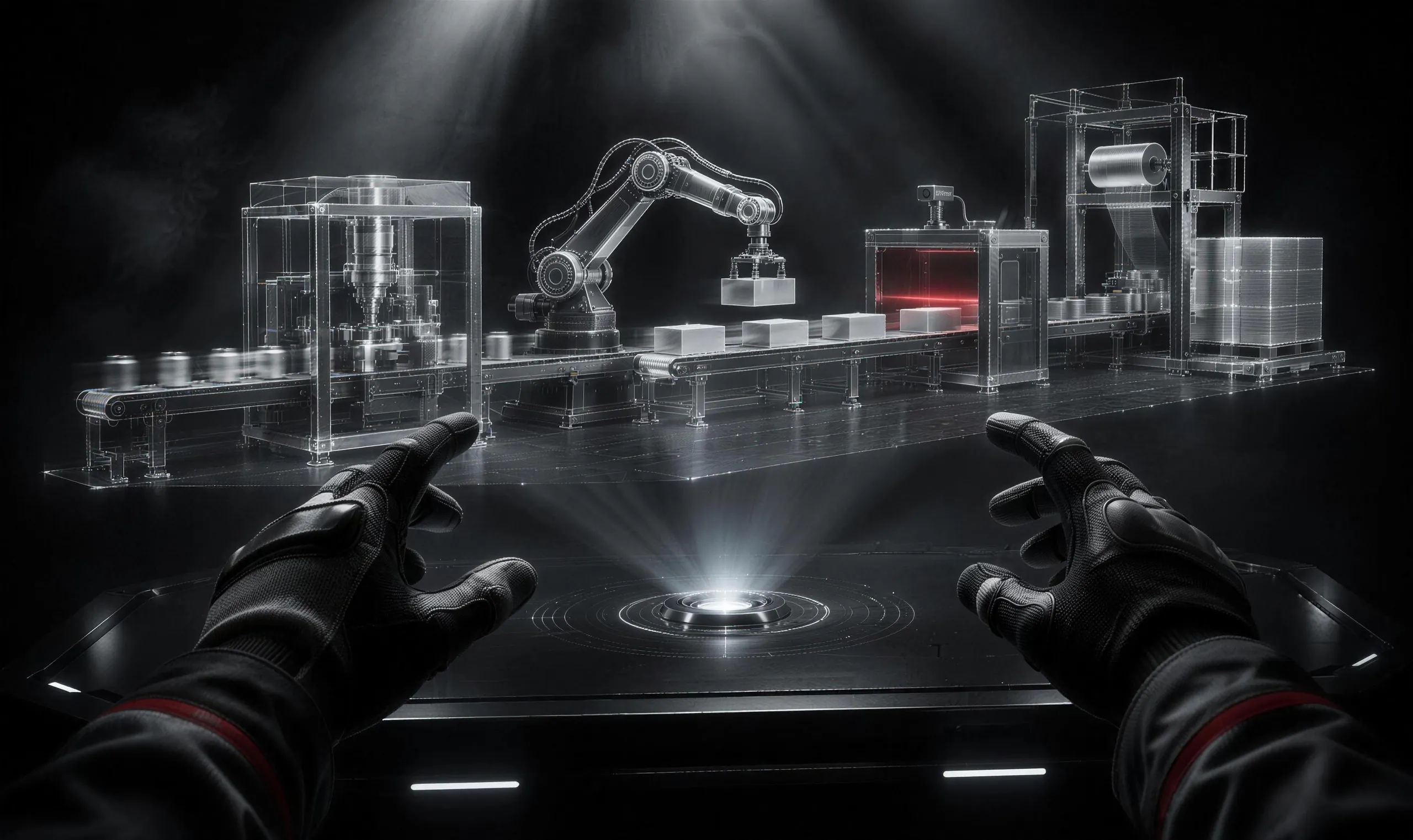
Digital twins, simulators and XR training on the same engine game studios use, with conversion, engineering physics and an AI whose work you can audit.
CAD file
STEP · SAT · JT · glTF
Heron
Converts and lightens, keeps the tree
Bohr scene
Parts with names, IDs and classes
Logic and physics
C#, Stevin, live data
Running app
Desktop, mobile, XR
Heron
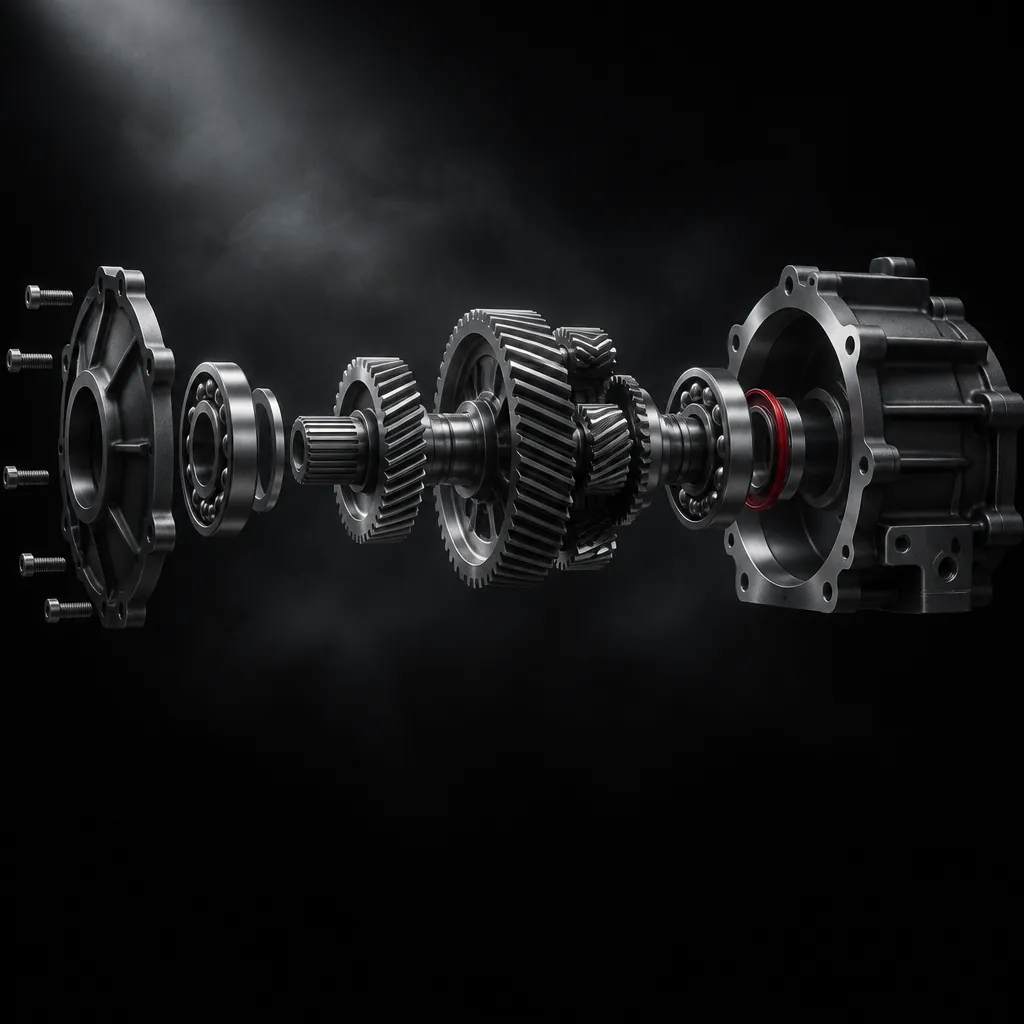
Drop in a CAD file. Click any part.
- STEP (AP203, 214, 242), ACIS SAT, JT and glTF; Parasolid on the way
- Hierarchy, names and metadata kept as part info
- Quality presets, units and axes set for you
- Heron runs in the background; no extra window, same account
- Or just say "bring in this file"
Stevin
Numbers you can sign off on.
Stevin is our engineering solver. It runs inside Bohr for calculations a game physics engine is not built for, starting with mobile crane stability.
- First pilot: a crane stability simulator ported to Bohr; 261 checks matched the reference within 1e-9
- More equipment and analyses as Stevin grows
Robotics and XR
USD for simulators, ROS 2 for robots, OpenXR for headsets.
USD
Open and write USD scenes with Bohr schemas, and round-trip with robot simulators.
ROS 2
Connect robot topics to the scene for training, testing and twins.
OpenXR
Quest and other OpenXR headsets with grab, move and panel parts. Vision Pro under review.
For delivery
Built for projects that have to keep running.
LTS for two years
Fix-only releases for the version you delivered on.
Data stays with you
Local projects, excluded folders and an audit log of every AI action.
Performance budgets
Frame, memory and build-size budgets the AI keeps to.
Your brand on screen
Industry licenses can turn off the Bohr splash screen.
Industry features
Where each one stands.
STEP, ACIS SAT, JT and glTF, with hierarchy kept and quality presets. Heron runs in the background.
Click any part to see its original name, file, ID, class and size, and attach it to a message.
Engineering-grade calculations, starting with mobile crane stability, run inside Bohr.
Open and write USD scenes with Bohr schemas, and round-trip with robot simulators.
Connect robot topics to the scene for training, testing and digital twins.
Stream plants and sites part by part, and set frame, memory and build-size budgets the AI keeps to.
Bind sensors and plant data to objects for operating screens.
Industry licenses can turn off the Bohr splash and "Made with Bohr".
Let us build your first twin together.
Tell us about your CAD data, devices and site. We will come back with a plan and a quote.